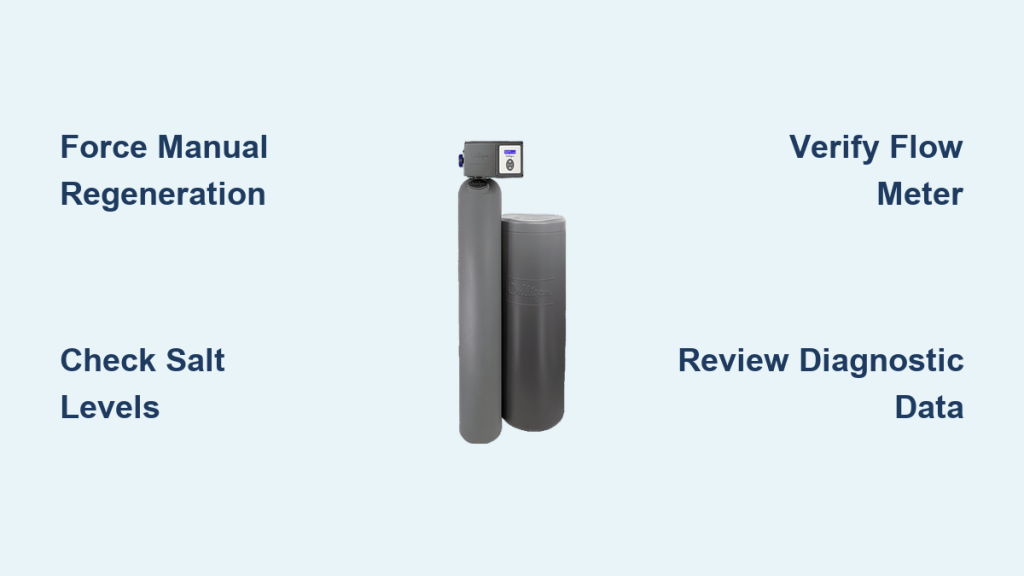
Spotless dishes turning cloudy or skin feeling dry often means your Culligan water softener has stopped regenerating. This core process removes hard minerals like calcium and magnesium to restore soft water for your entire home.
You will learn exactly how to force a manual cycle, check diagnostic data, and troubleshoot why your system fails to recharge. Follow these steps to verify your unit works and prevent costly scale buildup in your pipes.
Why Your Culligan Softener Needs Regular Regeneration
Your water softener relies on resin beads to trap hardness minerals from your supply. These beads eventually become saturated and lose their ability to soften water effectively. Regeneration flushes out the trapped minerals and recharges the beads with sodium.
Without this cycle, hard water flows freely into your home. This leads to scale buildup in appliances and reduced soap lather. Understanding the trigger points helps you maintain optimal performance.
What Triggers the Regeneration Cycle?
Three main factors determine when your specific unit initiates a cleaning cycle.
- Water Hardness Levels: Higher mineral content saturates resin faster.
- Household Water Usage: More gallons used means quicker exhaustion of the resin bed.
- System Technology: Different models use timers or sensors to decide when to start.
Municipal water sources often blend supplies, causing daily hardness fluctuations. Sensor-based systems adapt to these changes automatically while older models may not.
How Technology Determines Your Schedule
The method your unit uses to track exhaustion varies by model generation.
- Time-Clock Systems: These older units regenerate on a fixed schedule regardless of actual water use.
- Demand-Initiated Models: These track gallonage and recharge after a preset volume passes through.
- Aqua-Sensor® Units: High-efficiency models use a physical probe inside the resin bed to detect exhaustion in real time.
Pro Tip: If you have a time-clock model, you may need to adjust settings seasonally as water hardness changes.
The Complete 5-Step Regeneration Process Explained
Regeneration reverses the ion exchange process to restore softening capacity. This entire sequence typically takes between 70 and 90 minutes to complete. During this window, softened water is usually unavailable unless you have a twin-tank system.
Step-by-Step Cycle Breakdown
The system follows a precise sequence to clean the resin bed thoroughly.
- Brine Draw: The unit pulls concentrated saltwater from the brine tank into the mineral tank.
- Recharge: Brine flows through the resin bed to replace calcium ions with sodium ions.
- Displacement: Hardness minerals detach from the beads and prepare for removal.
- Rinse and Discharge: Excess brine and contaminants flush down the drain to prevent salty water from entering your home.
- Brine Tank Refill: Fresh water fills the tank to dissolve salt for the next cycle.
You may hear water draining or the motor running during these phases. This is normal operation.
How to Manually Regenerate Culligan Water Softener

There are specific times when you must force a regeneration cycle immediately. You should do this after adding salt following a complete depletion or if the system has not cycled in over two weeks. It is also wise to regenerate manually after returning from a long vacation.
Steps to Force a Manual Cycle
Locate the control panel on the front or top of your unit. Most modern interfaces feature Status, Plus (+), and Minus (–) buttons.
- Press and hold the Minus (–) button for 3 to 5 seconds.
- Wait for the display to prompt “REGEN NOW?” or show a regeneration icon.
- Press the Plus (+) button to confirm the command.
- Observe the screen for a “REGENERATING” message or spinning icon.
Expert Note: Some older models require you to turn the bypass valve to the “REGEN” position before starting. Always consult your specific manual.
Verify Regeneration Status Using Diagnostic Data
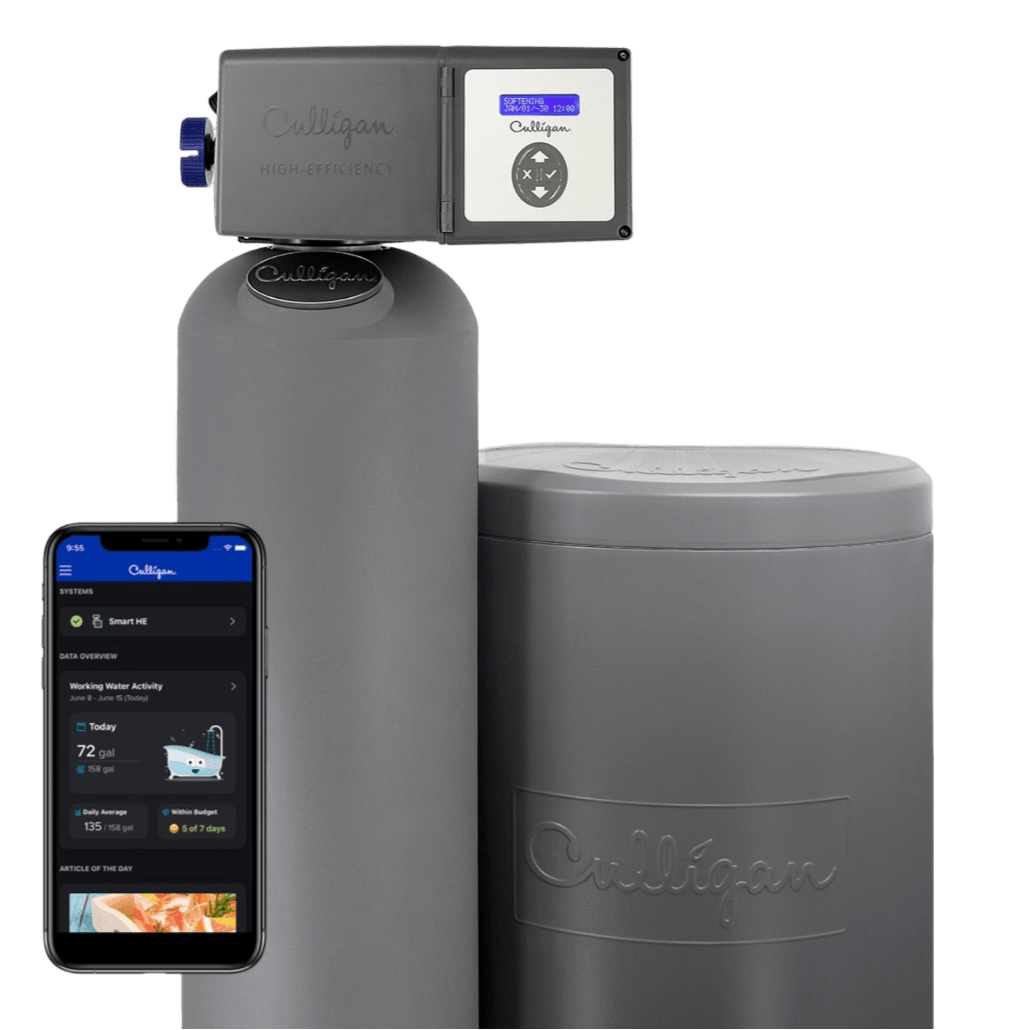
Modern Culligan units store detailed activity logs accessible through the control panel. Checking these metrics confirms whether your system is tracking usage and cycling correctly.
Accessing Hidden Diagnostic Menus
You can view internal counters without special tools.
- Press the Status button repeatedly until the main screen goes blank.
- Press the Minus (–) button to scroll through different diagnostic screens.
- Review the displayed numbers against expected values.
Interpreting Key Performance Metrics
| Metric | What It Shows | Normal Reading |
|---|---|---|
| Flow Meter | Real-time water flow | Increases when faucets run |
| 14 Days | Cycles in past two weeks | At least 1 or 2 events |
| Days Since Last | Time elapsed since last cycle | Matches your usage pattern |
| Total Regenerations | Lifetime cycle count | Varies by unit age |
A healthy system shows an immediate flow meter response when you turn on a tap. If the “Days Since” counter exceeds 14 days while you experience hard water, the system is failing to trigger.
Troubleshoot Failed Regeneration Cycles
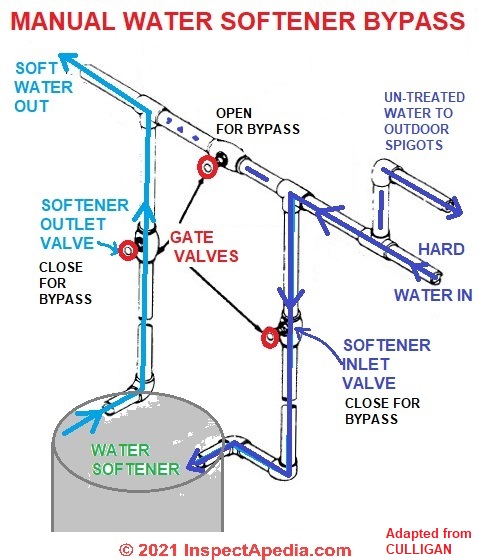
Even automated systems encounter issues that stop the cleaning process. Identifying the root cause quickly restores soft water to your home.
Common Causes for Regeneration Failure
Check these six areas if your unit stops working.
- Power Loss: Ensure the unit is plugged in and the display is lit.
- Bypass Valve Position: Verify the handle is inline with the pipe, not in bypass mode.
- Empty Salt Tank: Open the lid and ensure salt fills at least half the tank.
- Incorrect Hardness Setting: Access settings to confirm the grains per gallon match your water test.
- Flow Meter Blockage: Debris can stop the meter from registering usage.
- Hidden Leaks: A running toilet or irrigation leak can cause excessive cycling or confusion in demand logic.
Warning: Salt bridging occurs when a hard crust forms over empty space in the tank. Break up any crusts you find to ensure proper brine creation.
Optimize Efficiency with Proper Salt Selection
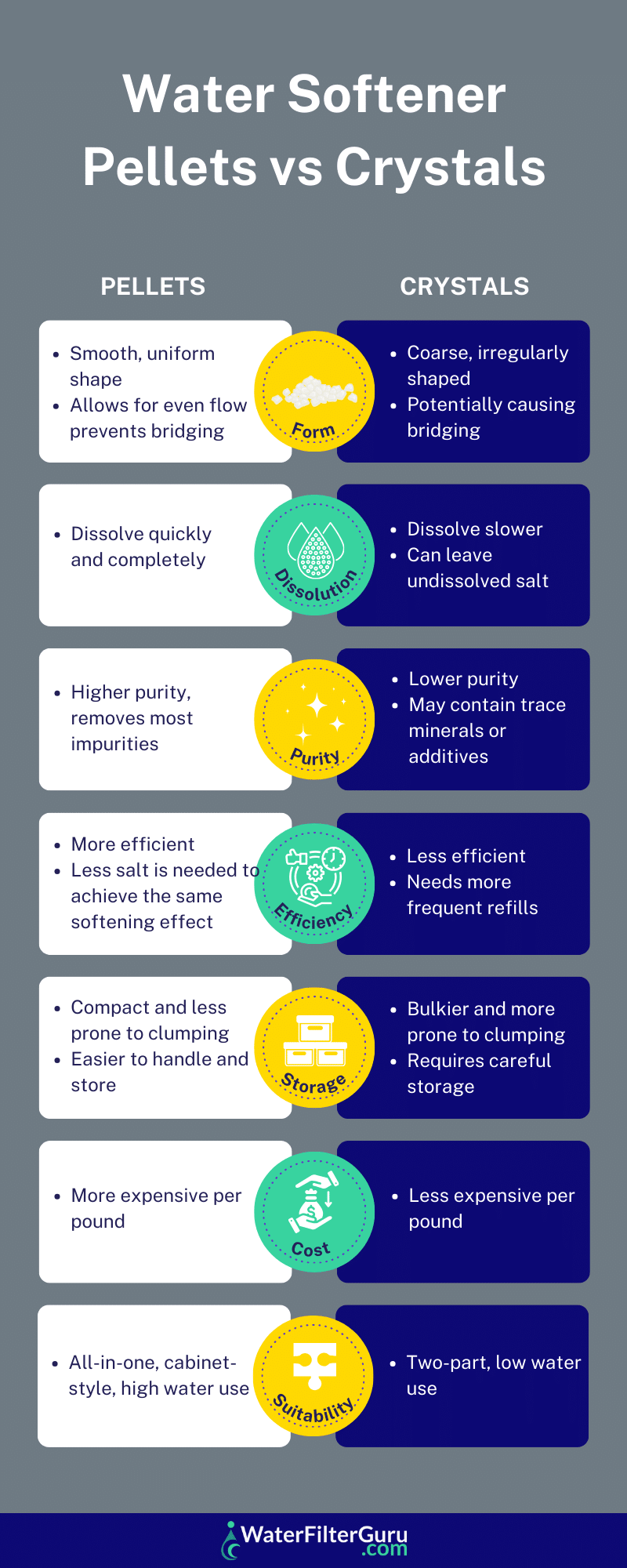
Using the correct salt type prevents damage and ensures efficient regeneration. Impure salts leave sludge that clogs the brine line and reduces system life.
Recommended Salt Types
| Salt Type | Recommendation | Reason |
|---|---|---|
| Culligan Pellets | Highly Recommended | Low insolubles and clean dissolving |
| Solar Crystals | Acceptable | Pure but dissolves slower |
| Rock Salt | Avoid | High impurity content causes buildup |
| Block Salt | Model Specific | Only use if designed for your unit |
Smart models like the Aquasential® series can send low-salt alerts to your smartphone. This feature prevents accidental depletion and hard water incidents.
Prevent Future Regeneration Problems
Regular maintenance keeps your system running smoothly for years. A simple monthly check prevents most common failures.
Monthly Maintenance Checklist
- Check salt levels and refill if below halfway.
- Inspect the brine tank for bridging or mushing.
- Verify the display is active and responding to inputs.
- Test water softness using soap lather or test strips.
- Compare “Days Since Last Regeneration” with your expected schedule.
Contact professional support if manual regeneration fails to start or if loud knocking noises occur during the cycle. Regular use of approved salt types helps maintain your warranty coverage.
Frequently Asked Questions About Culligan Regeneration
How often should my Culligan softener regenerate?
Most units regenerate every 3 to 14 days depending on water hardness and household usage. Demand-initiated systems adjust this schedule automatically based on actual gallons used.
Can I drink water while the softener is regenerating?
You should avoid using water during the 70 to 90 minute cycle. The system may discharge hard water or brine into your pipes during the rinse phases.
Why is my softener regenerating every day?
Daily cycles often indicate a leak, incorrect hardness settings, or a faulty flow meter. Check for running toilets or irrigation leaks that increase water demand.
What happens if I run out of salt?
The unit will continue to push hard water through your home because it cannot recharge the resin beads. Add salt immediately and force a manual regeneration.
How do I know if the flow meter is broken?
Enter diagnostic mode and turn on a faucet. If the flow reading remains at 0.0 while water runs, the meter is likely blocked or broken.
Key Takeaways for Regenerating Your Culligan Softener
Knowing how to regenerate a Culligan water softener ensures your home always has access to soft, scale-free water. Regular monitoring of diagnostic data and salt levels prevents most performance issues before they affect your daily routine.
Take action today by checking your “Days Since Last Regeneration” counter. If it has been over two weeks, force a manual cycle immediately to restore full system efficiency.